
Keep screen awake
Stops the screen from turning off while claude-ui is open, so you can watch a long session run.
How to use
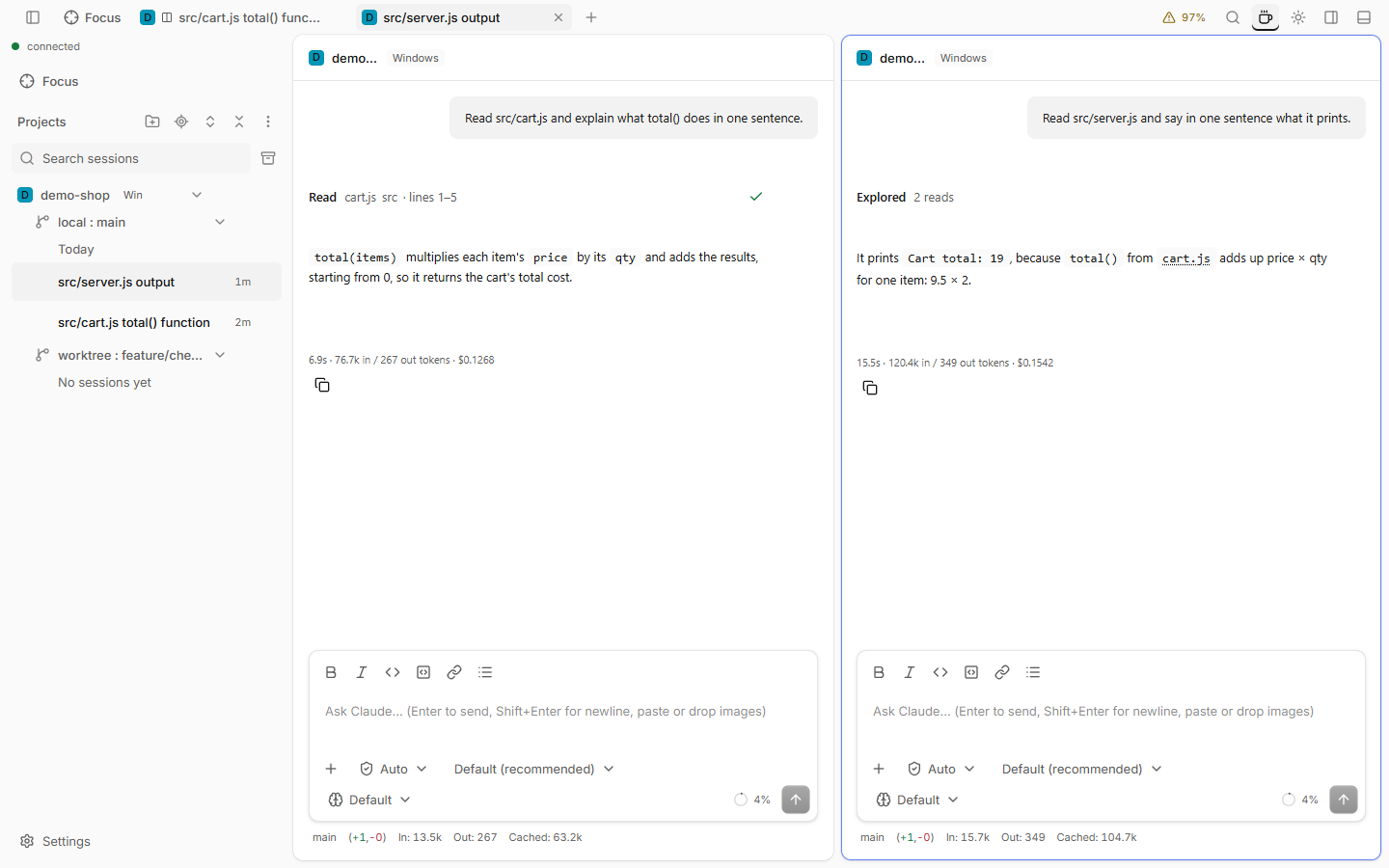
- Click the coffee button in the titlebar. It stays pressed while it is on.
- Or switch on Keep screen awake in Settings › General › Screen, or run Toggle keep screen awake in the command palette.
- To hold the screen only while Claude works, also switch on Only while a session is running.
Good to know
- It is kept per browser. The button, the switch and the palette command change the same setting.
- It needs HTTPS or localhost. Where the browser does not support it, the button is disabled and its tooltip says why.
- The browser lets go of the screen when the page is hidden and takes it again when you return.
- A session that waits for a permission answer counts as running.
- A browser can refuse, for example in battery saver. The tooltip then names the reason, and the page tries again when you come back.